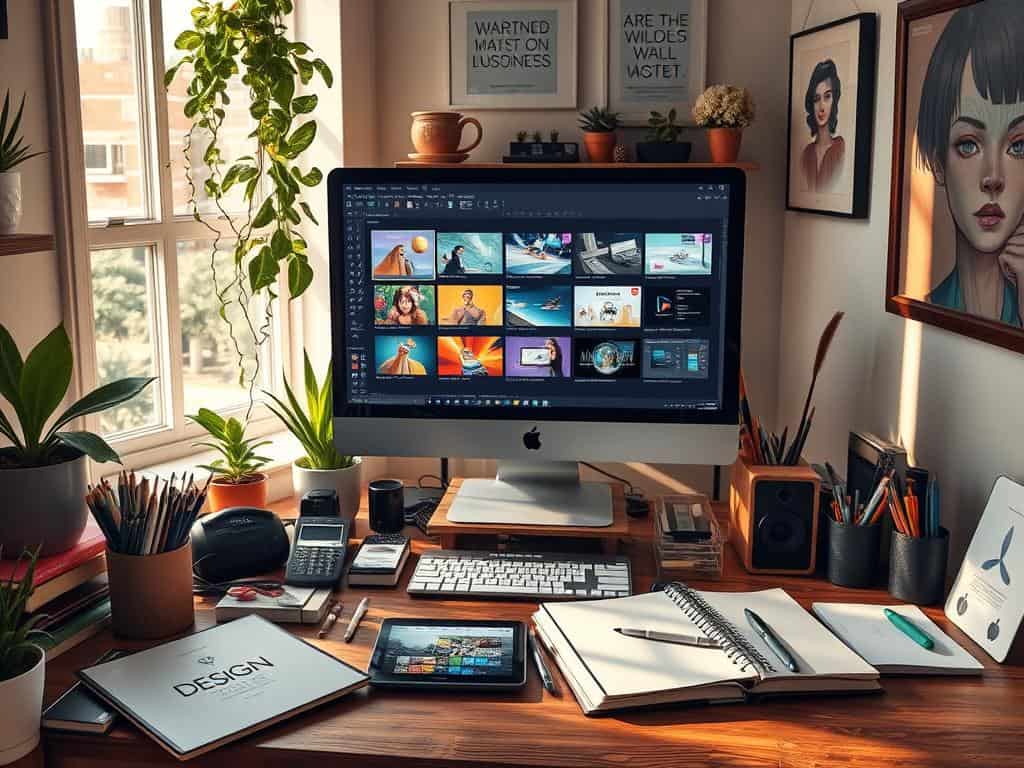
Did you know over 60% of UX designers use Adobe XD for designing and prototyping? This shows how important design software is today. With graphic design used in many areas, learning these tools is key for creative growth.
There are many resources to help us learn design software. Tutorials can help anyone, from beginners to experts, improve their skills. They offer clear steps for using different design tools, boosting our confidence.
As the need for skilled designers grows, using free learning resources is smart. By trying out tools like Adobe Creative Cloud and Inkscape, we can reach our design goals. Sites like Udemy and Coursera also offer great learning opportunities.
Key Takeaways
- Over 60% of UX designers use Adobe XD regularly.
- Effective design software tutorials cater to both beginners and advanced users.
- Free resources are available to build foundational design skills.
- Adobe Creative Cloud provides extensive tools vital for graphic design projects.
- Learning design software can pave the way for various career opportunities.
Getting Started with Design Software
Starting with design software opens a world of creativity and growth. It’s key to learn design software in today’s digital world. This lets me show my creativity and deliver top-notch designs.
Importance of Learning Design Software
Learning design software boosts my skills a lot. It helps me share ideas visually, making them more engaging. This skill is vital for career growth, as companies look for those who can use design software well.
Types of Design Software Available
There are many types of design software out there. Graphic design tools like Adobe Photoshop and Illustrator are great for marketing and visual content. For web and app design, UI/UX tools like Figma and Sketch are perfect. Motion graphics software, like Adobe After Effects, is essential for creating dynamic videos.
Choosing the Right Software for Your Projects
Choosing the right design software depends on my project needs and skill level. I consider design goals, collaboration, and budget. Knowing about different software helps me pick the best tools for my projects.
Design Software Tutorials: Step-by-Step Guides
When you start with design software, the right tutorials are key. Tutorials for different skill levels help you grasp complex ideas and master tools. Here, we’ll look at resources for beginners, intermediate, and advanced designers.
Beginner-Friendly Tutorials for Graphic Design
Beginner graphic design tutorials lay a strong foundation. They cover basics like color theory, typography, and layout. YouTube has great series for beginners, teaching tools like Adobe Photoshop and Canva.
These tutorials boost your confidence. They let you work on simple projects and grow your passion for graphic design.
Intermediate Tutorials for UI/UX Design
When you’re ready, move to intermediate UI/UX tutorials. These dive into user-centered design, covering prototypes and wireframes. Sites like Coursera and Udemy have courses on user research and testing.
These tutorials improve your skills. They prepare you for real-world design challenges.
Advanced Tutorials for Motion Graphics
For experienced designers, advanced motion graphics tutorials are next. They focus on complex animating techniques and special effects. Adobe After Effects is often used in these tutorials.
These lessons encourage creativity and exploring new design areas. Completing them prepares you for complex projects that need advanced skills.

Enhancing Your Creative Skills with Design Software
To grow in design software, I dive into online resources and communities. Online design groups connect me with designers who share tips and feedback. Sites like Behance and Dribbble are great for networking and showing off my work.
Utilizing Online Communities and Resources
Being in online design groups has helped me a lot. Forums and social media groups lead to new design techniques and trends. Sharing my work gets me feedback that helps me improve.
Participating in Design Challenges and Projects
Design challenges are a fun way to use what I’ve learned. Sites like 99designs or local hackathons challenge me to be creative. Each challenge sharpens my skills and introduces me to new ideas.
Keeping Up with Trends and Innovations in Design
It’s key to stay up-to-date with design trends. I follow top blogs and attend workshops to learn new things. Design leaders on social media inspire me to keep improving.
Conclusion
Learning design software through structured tutorials is key to mastering design skills. It helps me pick the right tools for my projects. This way, I build a strong base and grow steadily in my design journey.
Staying active in online communities and design challenges sharpens my skills. As I learn more, I can make quality work faster. This shows that good design is worth the effort, even for tough tasks.
By focusing on documentation and performance testing, I make designs that work well. This learning loop helps me reach my creative peak. It leads to designs that stand out in the fast-changing design world.
