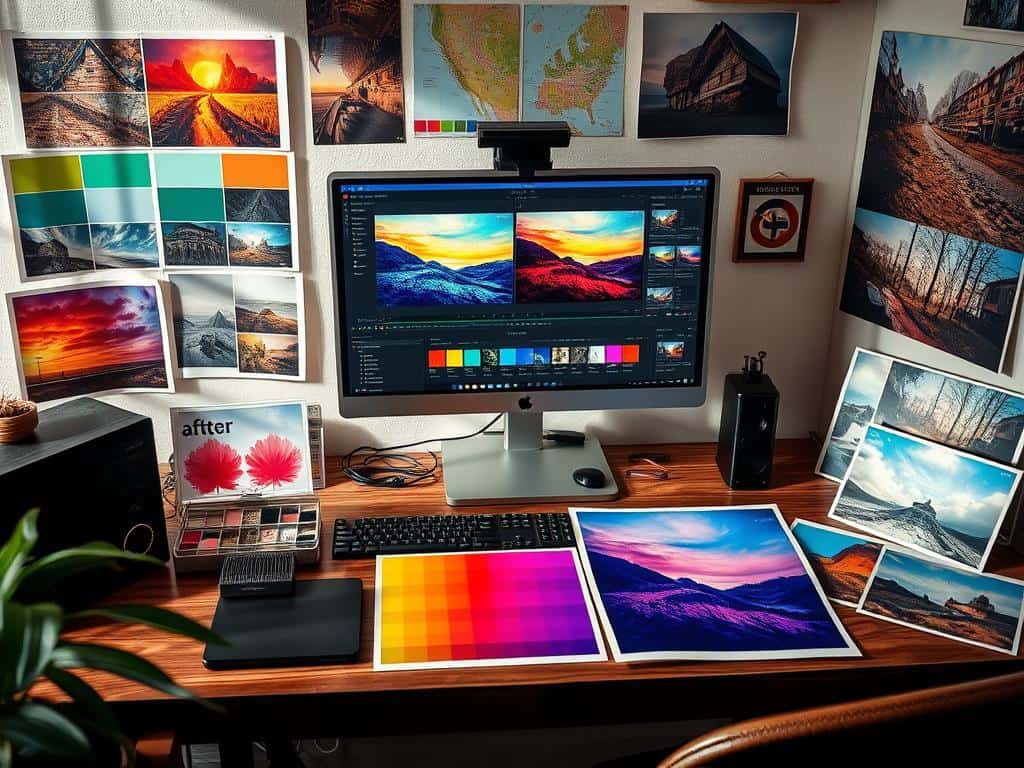
Did you know 90% of professional photographers use color grading to make their photos stand out? This technique can turn simple pictures into stunning stories. It’s key for both new and experienced photographers to learn about color grading.
Unlike color correction, which focuses on realism, color grading lets you show emotions and your creative vision. By using tools like Adobe Lightroom and Photoshop, you can make precise changes and create unique images. Learning color grading can also make your photos look better, which might get them more likes on social media.
In this article, I’ll share tips and techniques to help you use color grading to its fullest in your photography.
Key Takeaways
- Color grading enhances mood and emotional expression in photography.
- Tools like Adobe Lightroom and Photoshop provide extensive features for effective color grading.
- Mastering color grading can significantly boost viewer engagement and social media shares.
- The difference between color correction and color grading is vital for artistic expression.
- Using RAW images maximizes the chance for color grading adjustments.
Understanding Color Grading and Its Importance
Color grading is key in making visuals stand out, affecting how we feel when we watch them. It turns raw footage into stories by changing colors. This makes the images look better and feel more emotional.
It lets creators show their style in a clear way. This makes their vision come alive.
What is Color Grading?
Color grading changes colors in images to set a mood or style. It’s more than just technical work; it’s a way to tell stories. By tweaking colors like hue and saturation, we can make scenes feel different.
For example, cool colors can make scenes feel sad or calm. Warm colors can make scenes feel happy and close. This skill helps filmmakers connect with their audience.
The Difference Between Color Grading and Color Correction
Color grading makes visuals more engaging, while color correction makes them look natural. Color correction fixes issues like exposure and white balance. This ensures colors look right.
Getting this right is key for keeping viewers engaged. Good color correction is the base for great color grading. It makes sure the visuals work together well.
Essential Tools for Effective Color Grading
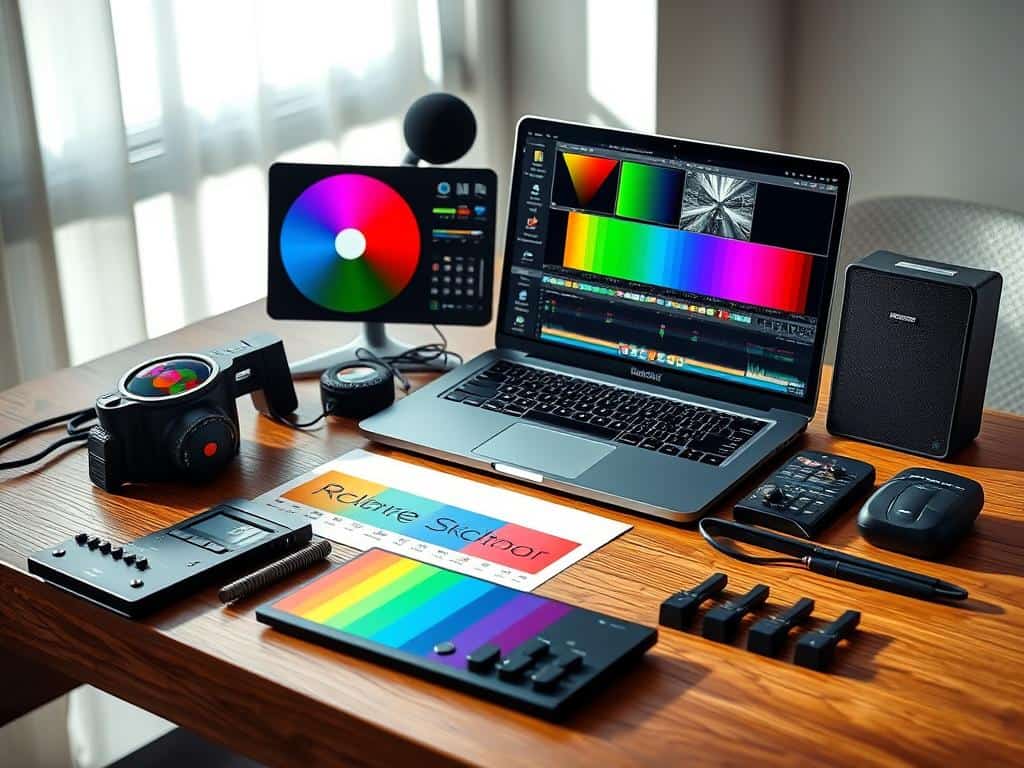
Color grading needs the right tools to make a good image great. I use several powerful software options to enhance my editing. Each program has unique features for different color grading aspects.
Using Adobe Lightroom for Color Grading
Adobe Lightroom is key for color grading. Its easy-to-use interface has features like the HSL panel. This panel lets me adjust hue, saturation, and luminance separately.
The three color wheels help me control shadows, midtones, and highlights. This flexibility lets me create unique color palettes. I also save custom presets for quick editing and consistent looks across projects.
Advanced Edits in Adobe Photoshop
For advanced editing, I use Adobe Photoshop. It offers detailed control over color grading with adjustment layers and blend modes. The Selective Color Tool lets me fine-tune colors for the exact look I want.
Photoshop’s versatility allows me to create unique visual styles. These styles are hard to achieve in other software.
Leveraging Presets and LUTs
Preset and LUT use can greatly improve my workflow. Presets make quick adjustments while keeping images consistent. LUTs, or Look Up Tables, apply predefined filters to quickly change an image’s palette.
This saves time and helps me achieve a professional look easily. Using these tools with Adobe Lightroom and Photoshop boosts my project’s visual appeal.
Conclusion
Learning color grading techniques is key for anyone wanting to improve their photography. I’ve found that using Adobe Lightroom and Photoshop helps me add creativity and make precise changes. These tools, along with presets and LUTs, let me create a unique style that makes my photos stand out.
Color grading is more than just making things look good; it’s about telling a story through visuals. Research shows that certain colors can make us feel more strongly, which is why it’s so important. By mastering color correction and finding the right balance, I create images that truly express my vision.
As I keep getting better, I see how color grading can really connect with my audience. By using these techniques consistently, I make my photos look better and keep viewers interested. Embracing color theory in my photography is a choice that will keep improving my work.
