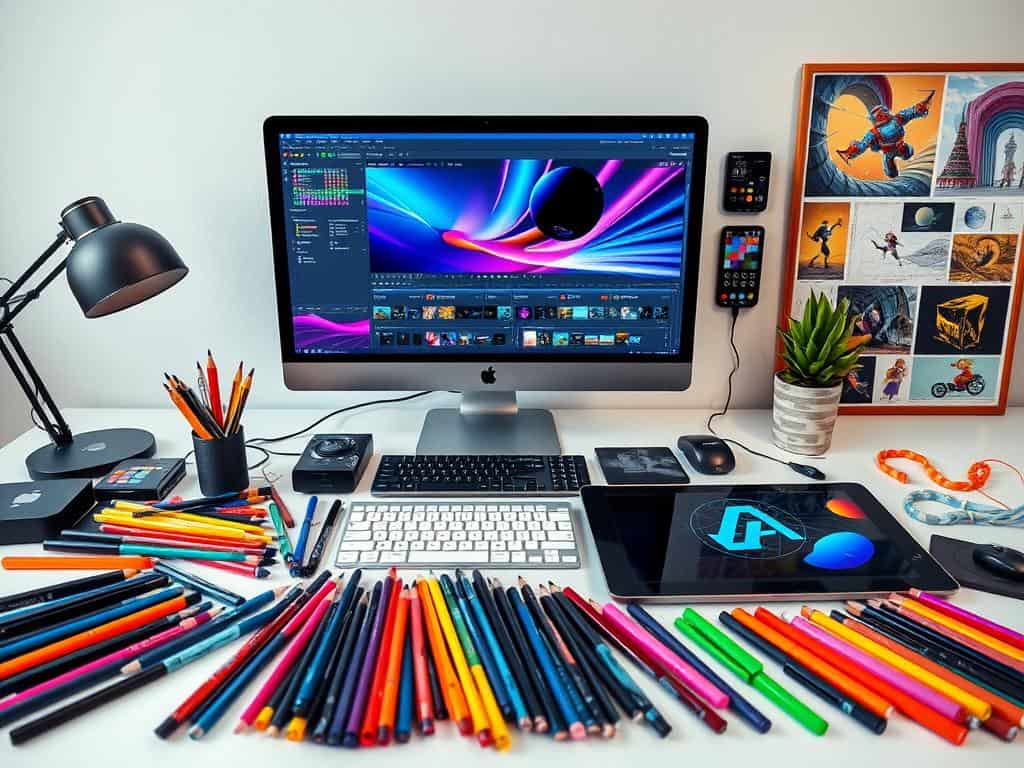
Did you know 72% of customers prefer watching videos over reading text? This shows how important motion graphics are today. They change how we talk and have made big impacts in many fields.
In this article, we’ll look at the top Motion Graphics Tools for making amazing animations. Whether you’re new or experienced, knowing these tools is essential. We’ll cover different software and how they can improve your skills and projects.
So, if you want to make your videos better or stay ahead in your career, this guide is for you. Let’s explore motion graphics and find the best tools for stunning animations.
Key Takeaways
- Motion graphics are key to grabbing people’s attention.
- More than 70% of customers like video content better.
- The right Motion Graphics Tools can make your work easier.
- Learning motion design basics can increase your value by 63%.
- Being part of motion design groups can open up to 50% more job chances.
The Role of Motion Graphics in Modern Design
Motion graphics have changed how we design and tell stories today. They are more than just pretty visuals; they help share messages in a fun way. By mixing sounds with moving images, they create an engaging atmosphere that makes stories come alive.
Understanding Motion Graphics
Motion graphics are a mix of animation and graphics with sound to better communicate. They blend different ideas to make learning and seeing information more fun. They make hard ideas easy to understand, helping share brand messages well.
They are great in marketing, making ads that grab people’s attention. This makes marketing more exciting and memorable.
Applications of Motion Graphics
Motion graphics are not just for marketing. They also make entertainment like movies and games more engaging. They grab and keep people’s interest, making stories unique and interesting.
In schools, they help students learn better. They turn hard information into easy-to-understand visuals. This makes learning more fun and effective.
Key Benefits of Using Motion Graphics Tools
Motion graphics tools bring many benefits to communication and user engagement. They turn complex info into lively visuals. This makes people twice as likely to watch videos or animations compared to long texts.
Engaging Visual Communication
Motion graphics tools help me make engaging visuals that grab viewers’ attention. Studies show people remember info better when it’s in animations, like in product demos and explainer videos. This style of communication attracts more people and encourages them to interact.
It also helps in delivering a consistent brand message. This builds recognition and trust, key in competitive markets. Plus, shareable visuals help spread your message further, as people love to share content that moves them.
Streamlining the Animation Process
Using creative video tools has made animation faster and easier for me. These tools have simple interfaces and templates, so I can make motion graphics quickly. This means I can work faster without sacrificing quality.
Working with others is also smoother, and keeping files organized is easier. This lets me focus more on telling stories and driving results. It boosts my impact in content marketing and SEO by keeping people engaged on my website.
Top Motion Graphics Tools to Elevate Your Skills
Exploring motion graphics, I found choosing the right tools is key. There are many software options for different animation needs. Whether it’s simple 2D animations or complex 3D models, these tools are essential.
Adobe After Effects
Adobe After Effects is the top choice for motion graphics and visual effects. It lets me create everything from 2D animations to detailed, layered compositions. It works well with other Adobe apps like Photoshop and Illustrator.
This makes it a must-have in my toolkit. I can make amazing animations for marketing or social media.
Cinema 4D
Cinema 4D is a go-to for my motion graphics work. It’s known for its easy-to-use interface, making 3D modeling and animation simpler. Its advanced features and rendering capabilities help me create top-notch animated content.
It also works well with Adobe After Effects, opening up more creative options.
Red Giant Software
Red Giant Software’s tools have changed my approach to visual storytelling. They offer creative solutions for motion graphics artists, helping me meet deadlines. The plug-ins are easy to use and save time, allowing me to explore new ideas.
Mocha AE
Mocha AE is vital for tracking and compositing in my work. Its advanced planar tracking makes it perfect for screen replacements or object tracking. Working with Adobe After Effects, it boosts my efficiency and effectiveness.
Conclusion
Mastering motion graphics tools is key for anyone wanting to grow in this field. I’ve learned that knowing software like Adobe After Effects and Cinema 4D is vital. It helps me share ideas through amazing visuals.
These tools make my work easier and let me be more creative. As I get better with these programs, I see how important it is to keep up with new tech. Whether you’re starting out or improving your skills, using these tools is essential for success.
Now, I know how important it is to keep learning and adapting. With free tools like Blender and plugins for Adobe, getting into motion design is easier than ever. My goal is to always improve and stay ahead in the fast-changing world of motion graphics.
