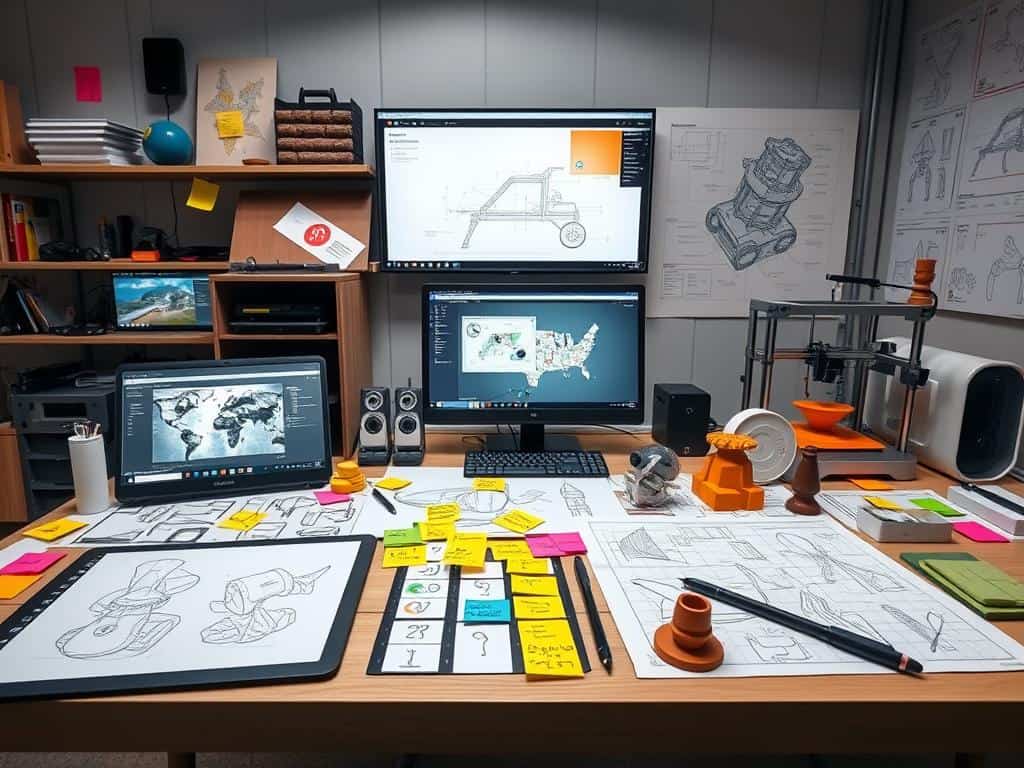
Did you know that nearly 60% of designers save time and cut costs by 25% with prototyping tools? In today’s fast world, making interactive mockups is key. Prototyping tools help designers like me show, test, and share ideas before they’re fully made.
These tools make sure teams work together smoothly. They help everyone see the product’s look and feel. This makes the design process faster and easier.
This article will look at the top prototyping tools out there. We’ll talk about what they offer. With tools like Figma, UXPin, and Adobe XD, I want to help you pick the best for your design work. Stay with us as we show you how to make your ideas come to life quickly!
Key Takeaways
- Prototyping tools enhance collaboration and streamline design processes.
- High-fidelity prototypes improve usability testing and stakeholder confidence.
- Effective use of prototyping tools can lead to significant time savings in design projects.
- There are various prototyping tools available, each with its unique features and pricing.
- Real-time collaboration is key, as seen in tools like Figma and Marvel.
Understanding Prototyping Tools
Prototyping tools are key for making and improving designs in UX/UI design. They let designers make interactive mockups of digital products. These tools have features like drag-and-drop interfaces and animation, helping in the design process.
They are important for starting ideas and testing them. This makes the design process better and more effective.
What Are Prototyping Tools?
Prototyping tools are platforms for the early stages of product development. They help designers test ideas and get feedback before a product is released. There are many prototyping tools, each with its own features and uses.
Choosing the right tool is important for your design needs.
The Importance of Prototyping in UX/UI Design
Prototyping is very important in UX/UI design. It lets designers test their ideas early on. This ensures the final product meets user expectations.
Interactive prototypes help test usability and guide improvements. Prototyping makes the design process smoother and improves the user experience.
Types of Prototypes
Knowing about different prototypes is key when using prototyping tools. Low-fidelity prototypes use wireframes or sketches for quick feedback. High-fidelity prototypes have detailed elements and interactions, simulating the final product.
This helps designers pick the right prototype type for their project and feedback needs.
The Best Prototyping Tools for Your Design Needs
Choosing the right prototyping tool can really help your design work. I look for key features that make a tool effective. A good tool should be easy to use, so designers can focus on their work.
It should also meet a variety of needs, from simple wireframes to complex prototypes. Being able to work with popular design software like Sketch or Figma makes things easier.
Features to Look for in Prototyping Tools
When reviewing prototyping tools, I look for features that help teams work together. Tools that let you comment and edit in real-time are great. They help everyone stay on the same page.
Being able to see how a prototype looks on different devices is also important. Adding animations and making prototypes interactive can make them more engaging. Good support resources, like tutorials and forums, are also key.
Top Prototyping Tools Reviewed
Figma is known for its teamwork features and lots of plugins. InVision Studio is great for adding cool visual effects. Flinto is perfect for beginners because it’s simple.
Axure RP is good for complex projects because it’s very interactive. Justinmind is great for making web and mobile prototypes. ProtoPie is easy to use, making it perfect for beginners.
Sketch is a classic choice, known for being reliable. Each tool has its own strengths, depending on what you need.
How to Choose the Right Prototyping Tool
First, think about what you need for your project and your team’s skills. Decide if you need a quick or detailed prototype. The cost of the tool is also important.
Try out different tools to see which one fits your needs best. Make sure your team agrees on the tool you choose. This will help everyone work better together.
Conclusion
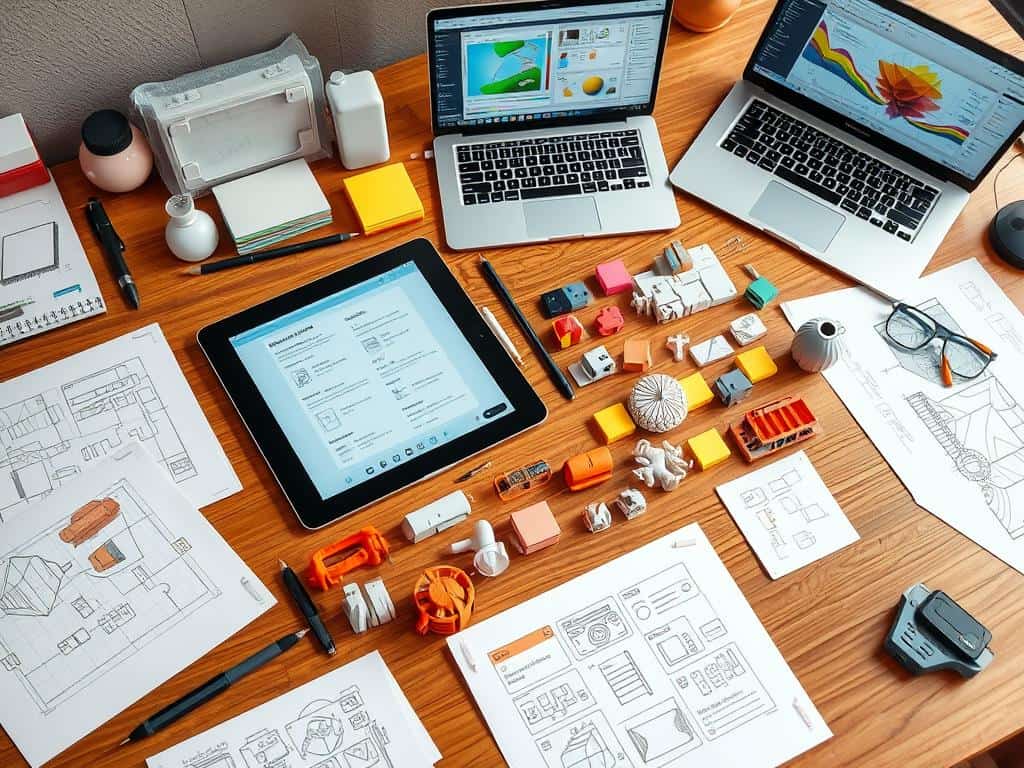
Choosing the right prototyping tool is key to making design ideas real and improving user experiences. Knowing about different tools helps me pick the best one for my work and projects. As I explore design prototyping, I see how important usability and accessibility are. They help speed up product design in today’s fast world.
Prototyping tools also help teams talk about design ideas better. This makes understanding easier and avoids delays and extra costs. It shows why a smooth prototyping process is vital for making products well.
Companies like Airbnb, Amazon, and HBO use tools like InVision to make their products better. This shows how important these tools are in many industries.
When companies involve customers early through prototyping, they often get better products and more trust in the market. Using prototyping in my design work lets me think ahead and make quick changes. With tools like Proto.io for interactive designs and Axure RP for detailed workflows, I can really improve my designs.
