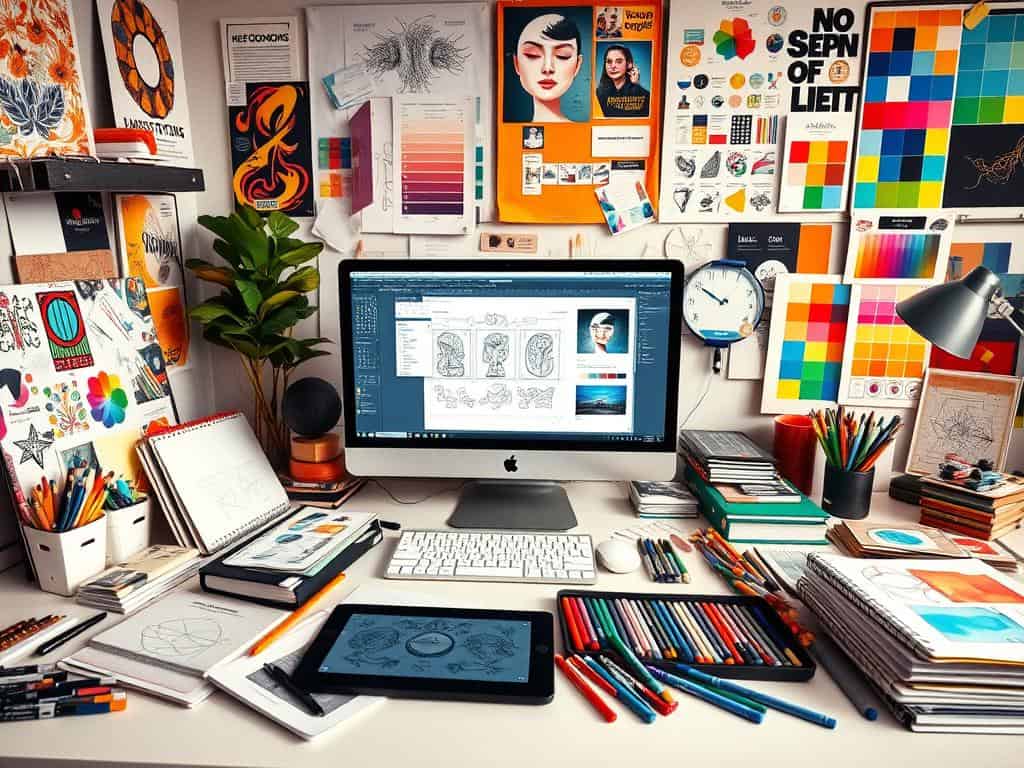
Did you know that about 75% of graphic designers get better at their job through online tutorials? Graphic design is key in today’s world, where visuals are everything. It’s not just for artists; it’s for anyone who wants to communicate well visually.
Whether you’re new to design or have been doing it for years, learning more can change your work. This article will give you the tools you need to get better at graphic design. You’ll learn how to use Adobe Illustrator and more. Get ready to make projects that really stand out.
Key Takeaways
- 75% of designers improved skills through online tutorials.
- Graphic design is essential for effective visual communication.
- Adobe Illustrator is highly recognized in the industry.
- Free resources can enhance your design capabilities significantly.
- Regular practice leads to increased creativity in design.
Understanding the Essentials of Graphic Design
Graphic design is key in the visual arts world. It’s in high demand across many industries. Knowing the basics of graphic design is vital for clear communication. This part covers the main points and special skills needed in graphic design.
What is Graphic Design?
The definition of graphic design is about using visual elements like typography and color to share ideas. It’s important in advertising, branding, and packaging. Good design grabs attention and helps messages get across, boosting user interest and brand identity.
The Different Areas of Expertise in Graphic Design
Graphic design isn’t just one thing; it has many special areas. These include web design, print design, motion graphics, and branding. Each area of graphic design expertise needs its own skills.
Knowing about color and typography is key for making brands look good and easy to use. Designers must keep practicing to meet the changing needs of quality design.
Graphic Design Tutorials for Beginners
Starting in graphic design can be exciting but also overwhelming. Finding the right resources is key to learning quickly. Graphic design for beginners covers many areas, and free learning resources are a great starting point. This section will guide you to the best materials for your creative journey.
Free Resources to Kickstart Your Learning
Many websites and platforms offer free resources for learning graphic design. YouTube channels like Noble Desktop have great Adobe Illustrator tutorials for beginners. Sites like Udemy and Coursera have introductory courses on Photoshop and InDesign, which are affordable and cover the basics.
Adobe also has a lot of tutorials that help beginners learn graphic design. These resources are perfect for those who want to start without spending a lot of money.
Best Practices for Mastering Adobe Illustrator
Adobe Illustrator is a must-have tool for graphic designers. It’s important to learn the best practices for using it. Adobe Illustrator tutorials are great for practicing and improving your skills.
Learning about design principles like typography, color, and layout is also key. Applying these to real projects helps you grow and feel more confident in your work.

Advanced Graphic Design Tutorials
As I explore graphic design, advanced tutorials are key. They teach specialized techniques and software use. This includes UX design, Adobe Photoshop, and exporting artwork to high standards.
Specialized Techniques in User Experience Design
User experience design is now more important, for digital interfaces. Learning UX design techniques improves user satisfaction. Tutorials on Adobe XD help me create user-friendly designs.
Wireframing and usability testing are vital. They give designers the tools to improve the user experience.
Creating Stunning Visuals with Adobe Photoshop
Adobe Photoshop is essential in graphic design. I learn tips to improve my workflow. This includes color, layer management, and blending techniques.
Advanced tutorials challenge my creativity. They offer practical exercises to enhance my skills.
Exporting Your Artwork for Professional Results
Exporting artwork efficiently is critical in graphic design. Knowing file formats and quality settings is important. Tutorials on Adobe Illustrator and InDesign are helpful.
They prepare me for real-world applications. This ensures my artwork looks professional.
Conclusion
Looking back on my graphic design journey, I see that tutorials are key for growing skills. Whether I’m new or experienced, learning never stops. It’s all about practice and keeping up with new ideas.
Being part of a creative community has helped a lot. Working with others and getting feedback makes me better. It’s vital as design keeps changing with new tech and ways of doing things.
Studies show that good design makes things more engaging. This is true for learning and using products. So, I keep learning and using what I know to make designs that people love.
In the end, graphic design is always changing. By always improving and learning, I stay current. I’m ready to keep exploring and growing in this exciting field.
