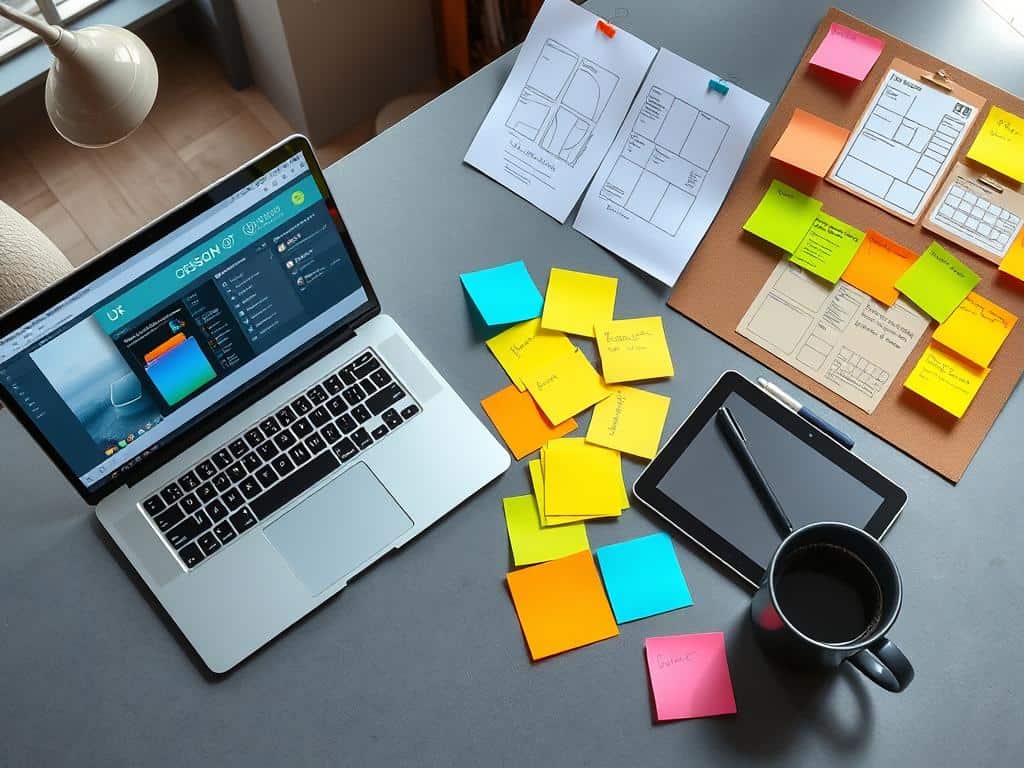
Did you know the demand for UX design tools is set to hit $20 billion by 2026? This shows how vital these tools are for digital designers. As someone who designs user experiences, I know it takes creativity and the right tools to make ideas real.
In today’s design world, the right tools are key. For example, 80% of designers use wireframing tools in their work. Also, 75% say prototyping tools help get feedback from others, which is super important for good design.
This article will show you the top design tools every digital designer needs. We’ll talk about why UX design tools are important, look at different types, and list both basic and advanced tools. So, let’s explore the essential toolkit for every digital designer!
Key Takeaways
- The UX design tool market is expected to reach $20 billion by 2026.
- 80% of designers rely on wireframing tools during the design process.
- Prototyping tools are considered critical for better stakeholder collaboration.
- User research tools can boost design success rates by 40% by addressing user needs.
- 62% of UX designers prioritize ease of use when choosing their design tools.
Understanding the Importance of UX Design Tools
The world of digital design is always changing. This makes UX design tools more important than ever. They help shape how we use digital products. Knowing their value can make my design work better and improve user experience.
What is UX Design?
UX Design, or User Experience Design, aims to make users happier by making things easier to use. It involves understanding what users want and need. This helps design digital products that meet user expectations.
It uses methods like user research and wireframing. This way, I can make sure each project meets user needs.
How UX Design Tools Enhance User Experience
Using good UX design tools makes design work smoother. They help with communication, teamwork, and quick prototyping. These tools let me see how users will interact with designs.
This helps me make changes based on feedback. This process makes apps more user-friendly. It also makes users happier and more engaged.
Categories of UX Design Tools
UX design tools come in different categories. There are tools for making visuals, prototyping, wireframing, and teamwork. Knowing these categories helps me pick the right tools for each project.
This ensures I make choices that lead to the best results. It helps me work more efficiently and effectively.
Essential UX Design Tools for Every Digital Designer
As a digital designer, having the right tools is key. My toolkit includes various essential UX design tools. These tools cover designing, prototyping, and collaboration, all important for quality results.
Designing Tools
Designing tools are the base for visuals and layouts. Sketch is a top pick for UI/UX design, but it’s only for macOS users. It starts at $9/month or $99/year, with a 30-day free trial.
Adobe Photoshop is a must for image work, starting at $20.99/month. Adobe Illustrator is great for vector graphics, but it needs more skill. It’s priced the same as Photoshop.
Prototyping Tools
Prototyping is a big part of my work. It lets me test designs before they’re real. InVision is a top choice for making interactive prototypes, with a free tier for up to 10 users.
The Pro plan is $9.95/month per user if billed monthly. Adobe XD is also great for prototyping, with real-time collaboration for $9.99/month after a 7-day free trial. Both are easy to use and flexible.
Collaboration Tools
Good teamwork is essential in UX design. Figma is the leader for team work, with real-time feedback. It starts with a free plan, and the Professional plan is $12 per editor/month.

Advanced UX Design Tools for Enhanced Creativity
In today’s fast-changing design world, advanced UX design tools are key. They boost creativity and improve the user experience. AI tools have changed the game, making design work more efficient and effective.
By using artificial intelligence, I see big improvements in creativity and productivity. This is a game-changer for designers.
A.I.-Driven Tools
AI is becoming more popular in UX design. By 2025, 70% of designers will use AI tools. These tools are not just helpers; they drive innovation and creativity.
Adobe Sensei and Uizard are great examples. They show how AI can make design work easier.
Adobe Sensei
Adobe Sensei is amazing at automating tasks and suggesting design improvements. It lets me focus on being creative while it handles the rest. Its predictive features help avoid problems early on.
Uizard
Uizard is unique because it turns sketches into interactive prototypes fast. It’s great for brainstorming quickly. With high ratings, it’s reliable and user-friendly.
User Research Tools
Tools like Optimal Workshop and Maze help understand user behavior. They ensure my designs meet user needs. Maze offers quick user feedback, and Optimal Workshop improves information architecture.
Optimal Workshop
Optimal Workshop is essential for deep user research. It helps refine my design approach. Its focus on qualitative data guides my decisions.
Maze
Maze helps validate design choices with user testing. The feedback I get shapes my designs. This cycle of testing and feedback encourages innovation and improvement.
Conclusion
Reflecting on the many UX design tools available today, I see how the right choice can greatly improve my design work. Tools like Sketch and Adobe Photoshop are essential, while advanced tools like Uizard and Adobe Sensei boost creativity and efficiency. This article has shown that choosing the right tools is not just a luxury. It directly leads to better user experiences.
Using different tools helps me clarify project details, reducing misunderstandings by about 30%. It also saves costs on late changes by up to 50%. Effective user research tools can increase satisfaction by over 25%. Knowing these facts helps me improve my design approach.
The future of UX design looks bright with new tool innovations. By keeping up with these tools, I improve my productivity and the user experience. Using these tools means faster design iterations, better team collaboration, and meeting market expectations. This sets a strong foundation for success in digital design.
