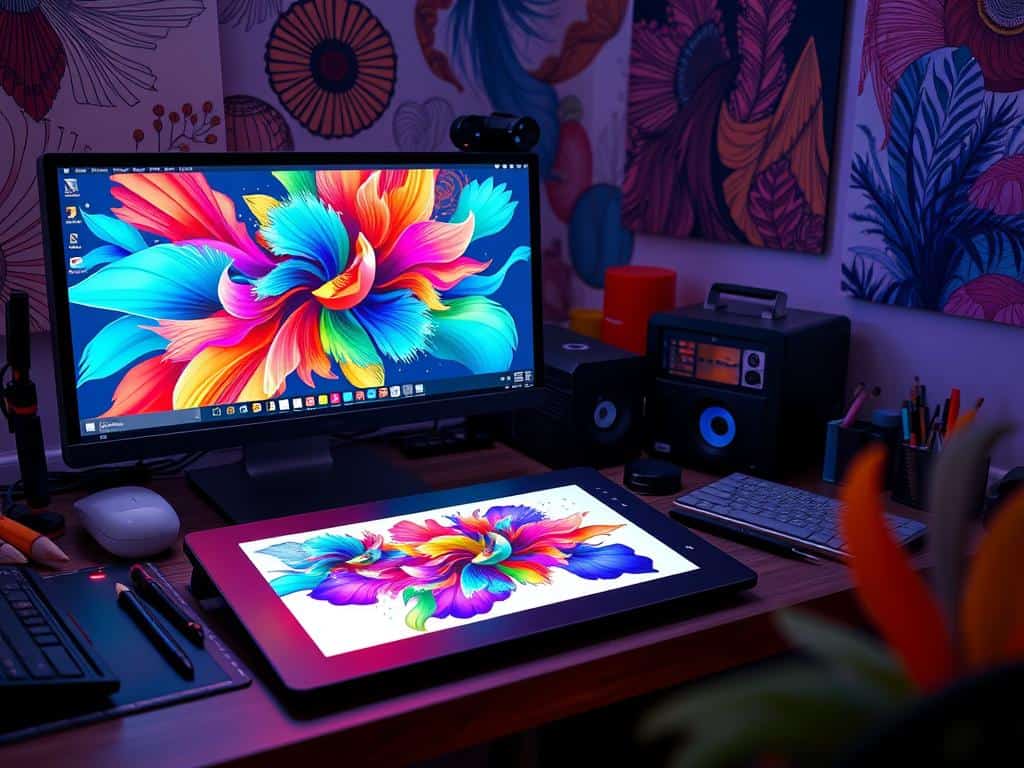
Did you know 80% of consumers remember brands with great visual marketing? This shows how powerful Digital Art Design is. I want to share how learning digital art can make your work stand out. It helps grab your audience’s attention in amazing ways.
In graphic design, knowing basic art skills is key, not just using cool tools. Digital Art Design is about creativity, technique, and showing ideas visually. Whether you’re new or experienced, improving your skills can make a big difference. So, let’s start this journey to see how Digital Art Design can boost your creative work!
Key Takeaways
- Digital Art Design can significantly enhance brand recognition.
- Creativity and foundational skills are as important as advanced tools.
- Practicing essential techniques is key to becoming a proficient designer.
- Well-structured visual elements increase audience retention and engagement.
- Effective use of negative space and visual hierarchy can enhance clarity and interaction.
Understanding the Power of Digital Art Design
Digital art design lets artists bring abstract ideas to life. This is key for making artworks that really speak to people. With digital tools, artists can turn ideas into beautiful graphics, making stories come alive through pictures.
Transforming Ideas into Visuals
Over 40 years in traditional art and 15 in digital, I’ve seen digital art’s power. It gives artists control over their work’s clarity, something traditional methods can’t match. Tools like Clip Studio Paint and Procreate have greatly improved my graphic design skills. Digital art lets creators fine-tune their ideas, making the creative process smoother and sparking new ideas.
Creating Memorable Experiences
Digital art can create memorable experiences that viewers won’t forget. For instance, using augmented reality in designs offers immersive experiences where people can interact with art in new ways. Working with big brands shows digital art’s power to captivate and engage. As I dive into these new tools, I see the art world changing. Embracing these innovations is vital for making deep connections with our audience.
Essential Techniques to Elevate Your Digital Art
Exploring digital art, I’ve found key techniques to boost my work’s quality. Using references helps me understand anatomy and perspective better. This practice is vital for beginners, making drawings more accurate.
Digital artists see their skills grow when they use visual aids. This leads to more confidence in graphic design.
Utilizing References for Improvement
References do more than just copy. They help me grasp complex elements. By exploring different sources, I learn various artistic styles and techniques.
This habit has been key in improving my digital art.
The Importance of Contrast in Design
Contrast is key for striking artwork. Strong contrasts draw attention, boosting viewer interest. Using the Rule of Thirds improves my composition, creating balance.
Studies show well-structured compositions keep viewers engaged longer. This is critical in today’s digital world.
Embracing Color Theory in Your Work
Color theory has changed my graphic design. I aim for a consistent color scheme, creating a unique look. Colors affect emotions and even buying decisions.
Choosing a simple color palette makes my illustrations more cohesive. Mastering color harmonies greatly enhances my art’s impact.
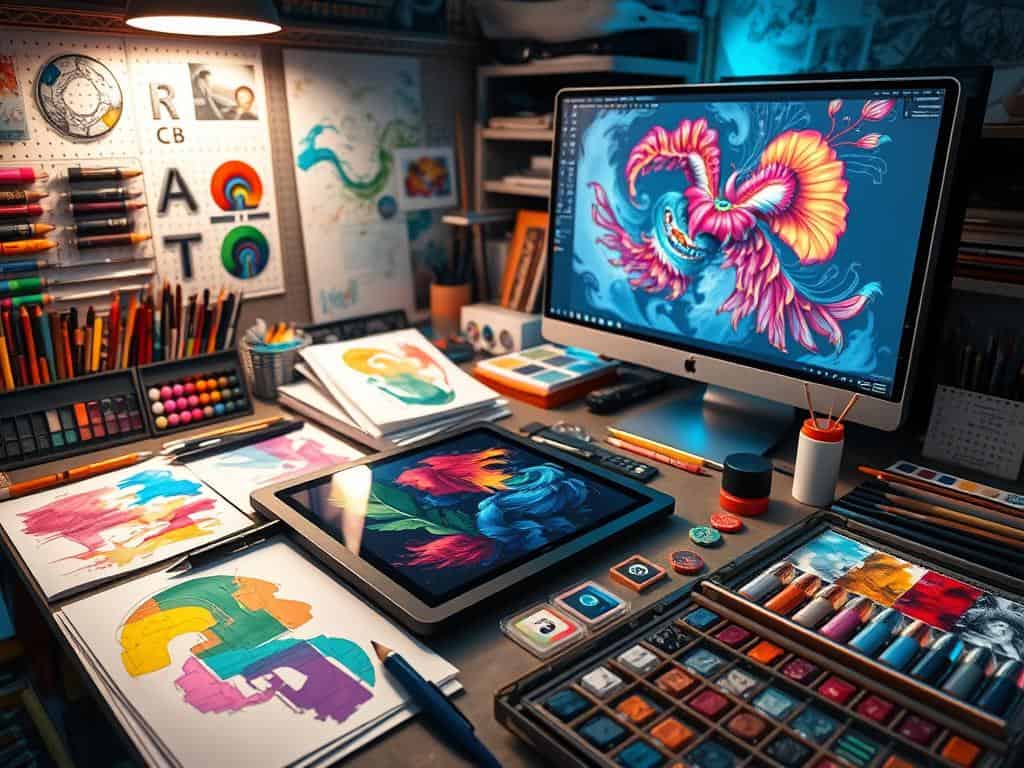
Choosing the Right Tools for Digital Art Design
Choosing the right tools for digital art is key to quality and efficiency. There are many digital art apps out there. It’s important to find ones that fit your style and workflow.
Apps like Procreate are popular for their easy-to-use interface and many features. They help artists create amazing visuals and unlock their full creative power.
Top Digital Art Applications to Explore
Procreate is a top choice for digital art, costing just $9.99. It’s available only on iPad but loved by over 90% of digital artists. They say the right tools make a big difference in their work.
Procreate offers many brush sets, some for free. This lets artists mimic traditional tools and add unique touches. It’s also great for animation, which is a big plus for motion graphics artists.
Investing in Quality Hardware for Creatives
Choosing the right apps is just the start. Quality hardware is also essential for a smooth creative process. The latest iPad Pro models are perfect for digital art, with features like Liquid Retina display and ProMotion technology.
The Apple Pencil offers advanced drawing, thanks to its pressure and tilt sensitivity. For those who prefer graphics tablets, the Wacom Cintiq and Huion Kamvas Pro are top choices. They offer great pressure sensitivity for detailed designs.
Artists should think about their needs and preferences when buying graphic design tools. Quality hardware can really change the way you create.
Conclusion
Digital art design has the power to greatly enhance creativity in many projects. By learning the basics, using smart techniques, and the right tools, I can confidently explore digital art. This journey, aided by platforms like Instagram and Behance, lets me share my work worldwide instantly.
The huge market for digital art, seen in sales like Beeple’s $69 million piece, shows its value. With tools like Adobe Photoshop and Procreate, I can create freely. The ease of making changes and the small space needed make digital art appealing.
As I keep growing as an artist, digital art design opens up new ways to express myself. It also encourages me to keep learning. The ongoing debate about its legitimacy only adds to its allure, making it a key to unlocking my full creative ability.
