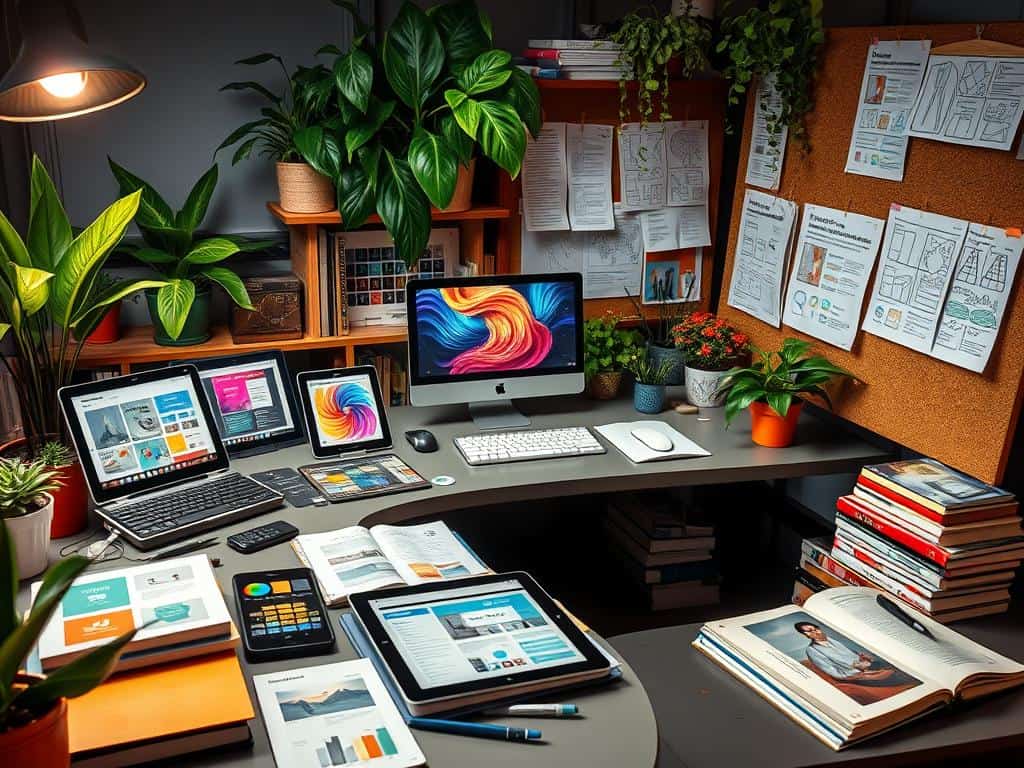
Did you know 68% of all web traffic comes from mobile devices? This shows how important it is to have great website design for mobile. With high user expectations, the right tools can make your work stand out. Whether you’re new or experienced, I’ve got a list of resources to help you.
From top names like Figma and Webflow to free tools like Coolors and Fontshare, I aim to give you a wide range. My goal is to help you create websites that look great and work well.
Key Takeaways
- Access to essential website design resources is key for all designers.
- Mobile optimization is a must in web development.
- Diverse design tools boost creativity and efficiency.
- Online courses keep your skills up to date.
- Inspiration platforms can greatly improve your design work.
Essential Tools for Website Design
Choosing the right tools for my website design is key. It makes the process better and the final product more impressive. There are many software options for different needs in the design phase. Using these tools can improve my projects’ functionality and creativity.
Design Software Options
For reliable design software, I think of Figma, Sketch, and Adobe XD. Figma is great for teamwork, with features for real-time collaboration. It costs $12 per user per month, which is affordable for many.
Sketch is easy to use and starts at $12 per month per user. It’s perfect for those who like simple interfaces. Adobe XD, starting at $84.99 per month per user, is top-notch for interactive designs. It has an auto-animate function that makes transitions smoother.
Prototyping and Collaboration Tools
Good prototyping tools are vital for quick feedback and design changes. Marker.io, priced from $39 per month, updates project management tools like ClickUp and Jira. This makes teamwork easier.
Canva is another great tool, with a free plan and a Pro plan for $12.99 per month. Its mobile app lets me design anywhere, anytime. This makes creativity easy to access.
Website Design Resources: Inspiration and Learning
Staying inspired is key for me as a website designer. Many platforms showcase amazing design works. These sites are full of inspiration, keeping my creativity flowing and my skills sharp.
Design Inspiration Platforms
Dribbble and Behance are top spots for design inspiration. They’re filled with talented designers and their projects. By exploring these sites, I find new ideas and insights for my work.
Mobbin and Muzli take it a step further. They offer a huge library of web and mobile design trends. This helps me stay on top of the latest designs and trends.
Online Courses for Designers
Online courses also play a big role in my growth. There are many resources for web design, from basics to advanced topics. Udemy and Coursera have a wide range of courses, from UX/UI to coding.
These courses not only improve my skills but also connect me with other designers. We share our knowledge and experiences, helping each other grow.
Best Practices in Web Development
Following best practices in web development is key for a great user experience and accessibility. I aim to use UI/UX principles that focus on user engagement and satisfaction. By sticking to guidelines from innovative companies, I make websites that look good and work well.
Adopting UI/UX Principles
Good UI/UX principles make a big difference in website performance. A clear layout helps users find what they need quickly. Using familiar navigation terms reduces confusion.
Websites with a clean design and plenty of white space keep users coming back. Studies show that a strong brand identity builds trust and visibility. It’s important for developers to ensure logos, colors, and messages are consistent.
Accessibility in Web Design
Web accessibility is vital, as most websites don’t meet the needs of people with disabilities. Following guidelines for universal accessibility lets everyone use the site. A minimum contrast ratio of 4.5:1 for text makes it easier to read.
Adding alt text to images also improves accessibility and SEO. By focusing on these aspects, I help make the web more inclusive for everyone.
Conclusion
Today, website designers have access to a wide range of tools and resources. These tools, like graphic creation software and prototyping apps, help me improve my skills. They allow me to meet client needs and grab users’ attention, which is key in a world where people only look at websites for four seconds.
It’s important for me to follow best practices in UI/UX design and make sure my sites are accessible. With most web traffic coming from mobiles, making sure my designs work well on different screens is critical. Tools like Google Analytics and Crazy Egg give me insights to make my sites better for users.
In my ongoing work in website development and design, these tools are essential. I aim to create sites that look great and are easy to use. This focus on both aesthetics and functionality helps increase conversions and improve my brand’s image. By always looking to improve and using data to guide my redesigns, I’ll keep getting better in this fast-changing field.
