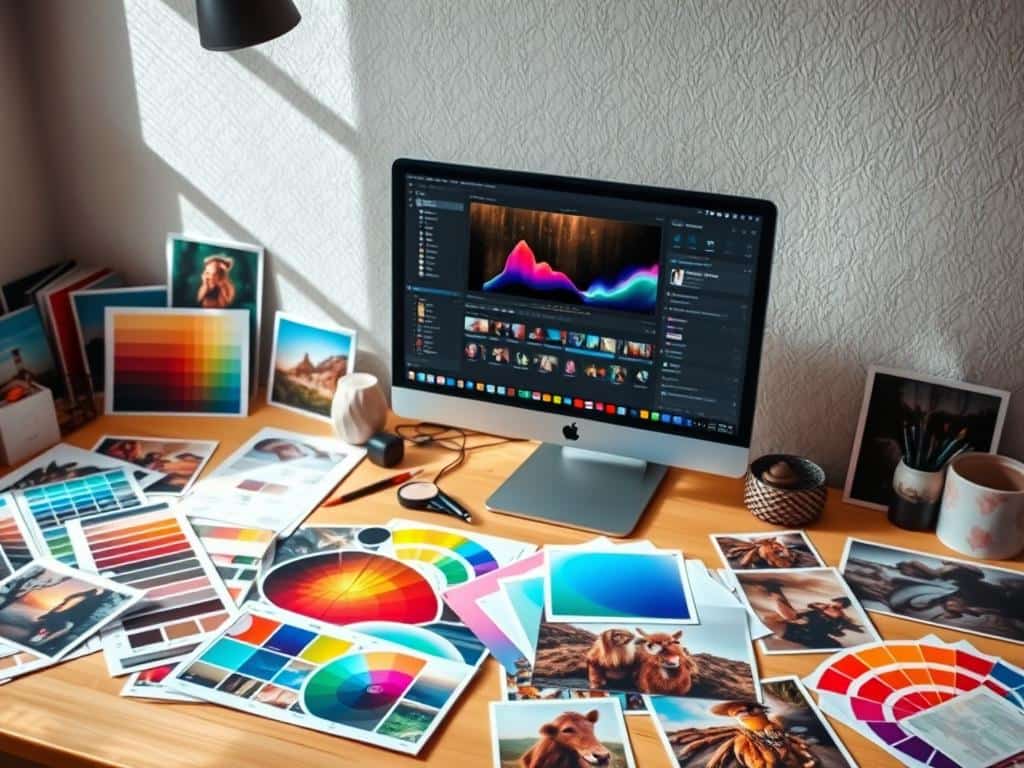
Did you know that 70% of photographers say color grading makes their photos more emotional? This technique is key in photography and film. It changes the color tone of images.
Learning this skill can turn your photos into amazing art. It sets the mood and appeal that grabs people’s attention. I want to share tips to boost your photo editing skills, no matter your level.
Key Takeaways
- Color grading is vital for boosting emotional impact in photography.
- Using warm colors in highlights and cool colors in shadows improves visual appeal.
- Complementary colors attract the human eye and enhance image quality.
- Mastering color grading is essential for professional photographers’ workflows.
- Adobe Lightroom is a preferred tool among users for its intuitive color controls.
- Taking time to color grade can lead to significant improvements in image quality.
- Prioritizing color grading helps unify clips in video production.
Understanding Color Grading
Color grading is key in photo and film making. It lets creators like me stir emotions and shape stories. This art involves changing color tones in images. It highlights certain colors, brightness, and saturation to create a specific look.
What is Color Grading?
Color grading brings images to life, going beyond what cameras capture. It gives creators control over a project’s final look. By adjusting colors, it sets the mood and atmosphere of a scene.
Difference Between Color Grading and Color Correction
Color grading and color correction are different, yet both involve color. Color correction fixes errors, ensuring shots look right. Color grading, on the other hand, is about making visuals cohesive and telling a story.
Color grading comes after color correction. It brings a director’s color vision to life. With tools like RGB density curves, I can enhance and refine images.
Essential Color Grading Tools
To make my photos better, I use many tools for color grading. It’s not just about changing colors. It’s also about picking the right software and knowing color grading terms. The software I choose is key to my editing work.
Software Options
For color grading, Adobe Lightroom, Adobe Photoshop, Adobe Premiere Pro, and DaVinci Resolve are top choices. They offer tools for making images better with color tweaks. Mobile apps like Snapseed and VSCO let me edit photos on my phone, making it easy to grade colors anywhere.
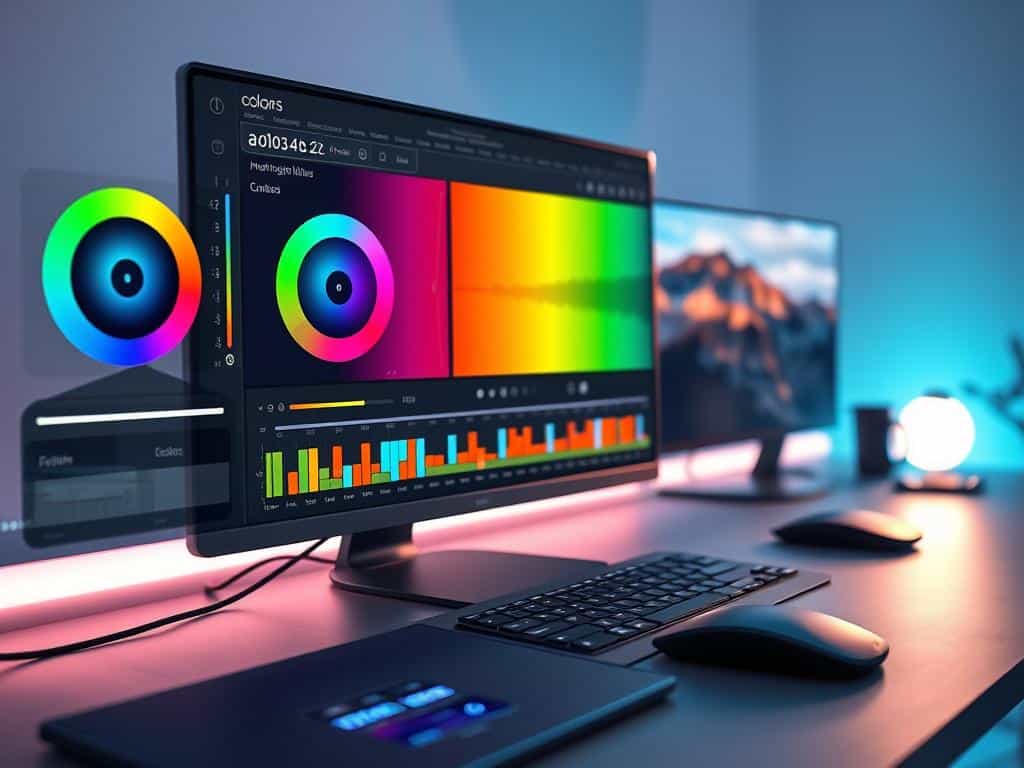
Understanding Color Grading Vocabulary
Learning color grading means knowing its vocabulary. Terms like hue, saturation, and value help me explain my color changes. Adjusting white balance and brightness/contrast is also important. Knowing about tone curves helps me tweak brightness and contrast, giving my photos a cinematic feel.
Color Grading Tips for Effective Photo Editing
Starting with color grading needs careful steps. Working with RAW images gives more editing freedom. They keep more color info than JPEGs.
First, adjust the white balance. This step is key for true color. Use the white balance eyedropper tool in Adobe Lightroom for this.
After setting the white balance, tweak hue and saturation. Use histograms to ensure colors are evenly spread.
Steps to Start Color Grading
For effective editing, follow a plan. First, fix the white balance. Then, work on shadows, midtones, and highlights with Lightroom’s Color Grading panel.
This panel lets you add color tints. It boosts your creative control. Adjusting tonal ranges changes the image’s mood.
Utilizing The Color Grading Panel in Lightroom
The Color Grading panel is key for photo quality. Adjust sliders for better tonal effects. It improves shadows and highlights.
It also lets you apply color profiles quickly. This saves time and keeps your work consistent.
Experimenting with LUTs
Using LUTs (Lookup Tables) is exciting. They change color and exposure easily. This lets you try different styles and moods.
Third-party LUTs mimic famous film looks. You can also make your own LUTs. This makes applying your favorite styles easy.
Conclusion
Mastering color grading has changed how I see photos. It’s not just an extra step; it’s a way to tell a story with colors. Over time, I’ve honed my style, making each photo a piece of art.
Working with others and listening to their feedback has taught me a lot. It’s all about understanding what they want to see. Paying attention to contrast and exposure has made my photos stand out more.
Color grading is about making choices that affect how we feel. It’s about balancing colors and using light to create a mood. There’s always something new to learn, keeping the process exciting and rewarding.
