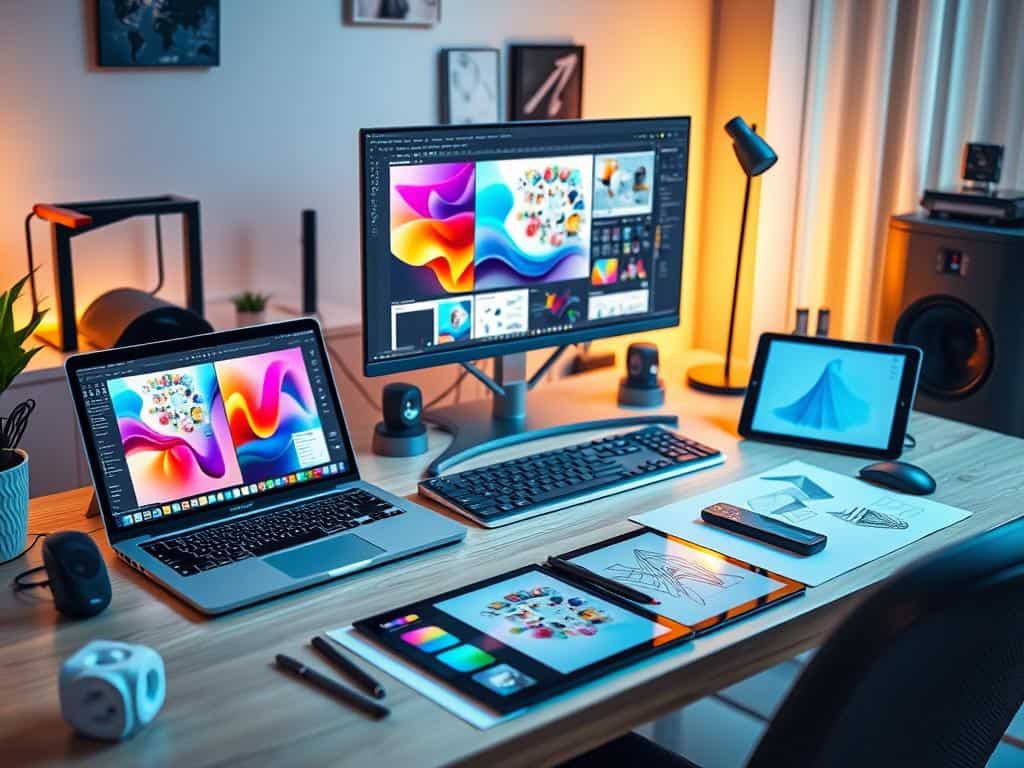
Did you know 90% of the graphic design industry is freelance? This shows how work has changed, with more people working from home. Remote creatives need good virtual design tools to stay productive and creative.
With 77% of designers expecting more remote work, finding the right design software is key. This article will look at different virtual design tools. We’ll see how they help teams work together from anywhere. From Adobe Creative Cloud to Canva, we’ll cover what’s popular in graphic design today.
Key Takeaways
- The majority of graphic designers now work remotely, stressing the need for good collaboration tools.
- Adobe Creative Cloud has a wide range of apps for different creative tasks.
- Canva is loved for its easy-to-use design interface, appealing to all skill levels.
- Tools like Sketch offer real-time collaboration, improving team communication.
- Online collaboration is key to solving remote work communication issues.
- Using top design software can save time and improve work quality.
Introduction to Remote Collaboration for Designers
The graphic design world has changed a lot with remote work. More companies are letting employees work from home. This change lets designers share ideas no matter where they are.
The Shift to Remote Work in Graphic Design
Graphic design has moved more towards remote work, thanks to the global shift. Freelancing was already big, with designers working from home. Now, tools for working together are key.
Teams use platforms like Microsoft Teams and InVision. They help keep everyone on the same page and work smoothly together.
Importance of Collaboration Tools for Remote Teams
Good tools are vital for remote teams to succeed. Software like Miro and Figma make brainstorming easier. They let teams give feedback quickly and work together on projects.
These tools keep everyone creative and connected. As remote work becomes common, building strong team cultures is more important than ever.
Top Virtual Design Tools for Creative Professionals
Many virtual design tools help creative professionals turn their ideas into reality. They make work easier by covering all parts of the design process. This includes planning, working together, and the final steps.
Comprehensive Suite: Adobe Creative Cloud
Adobe Creative Cloud is a top pick for design tools. It has apps like Photoshop and Illustrator, key for detailed graphics. With many tools in one place, Adobe Creative Cloud makes work faster and more efficient for designers.
User-Friendly Design: Canva
Canva changes how people without design skills make graphics. Its easy-to-use design and drag-and-drop features let anyone make professional-looking content. Canva’s free version offers many features, helping to keep costs down while boosting creativity.
Real-Time Collaboration: Figma
Figma is great for working together in real time. It lets teams work on projects at the same time, making feedback and changes quick. Designers love how fast and efficient Figma is, making it key for teamwork.
Digital Whiteboarding: Miro and FigJam
Miro and FigJam are special for brainstorming and planning projects. These tools use interactive boards to visualize ideas, helping teams work better together. They’re essential for teams looking to be creative and innovative.
Essential Communication Platforms for Effective Collaboration
Effective collaboration among remote teams relies on the right tools. Platforms like Slack, Google Meet, Asana, and Trello are key. They boost interaction and productivity, making teamwork in a virtual space easier.
Streamlined Messaging with Slack
Slack has changed how teams talk by allowing real-time messaging. It supports many media types, cutting down on meetings. This lets teams focus more on working together. Slack also works well with Google Drive and Figma, keeping everything in one spot.
Meeting and Collaboration with Google Meet
Google Meet is great for video calls, making meetings easy. Its simple design helps discussions flow better. It can handle up to 1,000 people, making big teams work together smoothly.
Organizing Projects with Asana and Trello
Asana and Trello are top tools for managing projects. Asana helps track tasks and goals easily. Trello uses boards and cards for a visual approach. Together, they help teams stay organized and communicate well.
Conclusion
The rise of remote work in graphic design shows the need for good virtual tools. To work well together and stay productive, designers need the best tools. Adobe Creative Cloud and Figma are top choices because they offer great features and help teams work together smoothly.
Thinking about these tools, I see how important they are for a good workflow. Using tools like Slack and Asana helps organize projects and keep everyone talking. This helps designers work together, no matter where they are, which is key in today’s remote work world.
Choosing the right virtual design tools is key for growth in this changing field. Using these technologies helps us face challenges, work better together, and succeed in our creative work. The future of design is remote, and having the best tools is vital to keep our creativity strong and effective.
