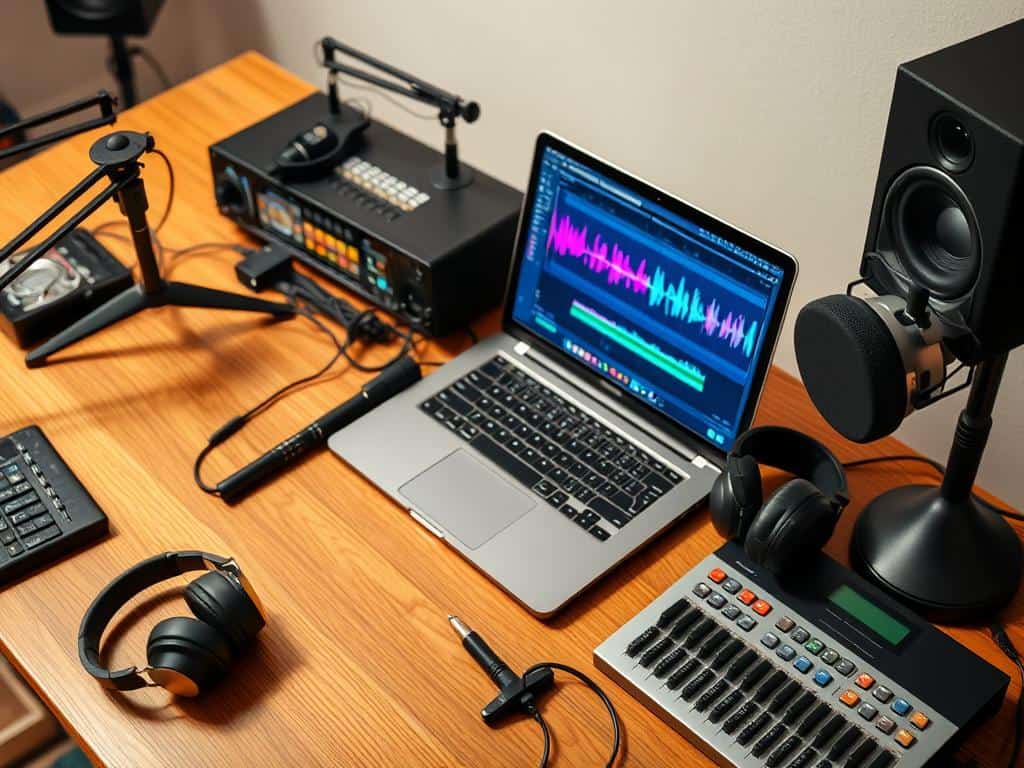
Did you know that old-school audio recording setups can cost up to $15,000 just for the gear? But, modern audio editing tools are much more affordable. Many software packages cost only a few hundred dollars, and some are even free. This change in technology lets musicians and sound designers make top-notch soundtracks from home.
I’ve spent time checking out different audio editing software. I found that the right tools make editing easier and boost creativity in music production. There’s a wide range of digital audio workstations (DAWs) and editing software for every skill level. In this guide, I’ll cover key features and share my top picks for industry-standard results.
Key Takeaways
- Audio editing tools range from free options like Audacity to premium software like Avid Pro Tools.
- Modern software packages drastically reduce costs compared to traditional recording setups.
- Many audio editing tools cater to various skill levels, making sound design accessible to all.
- Features such as multitrack editing and plugin support are key for effective audio editing.
- User-friendly interfaces make learning music production tools easier.
Essential Features to Look for in Audio Editing Tools
Choosing the right audio editing tools is key. They should have features that boost sound quality and make editing easier. Here are some important features to look for.
Multitrack Editing Capabilities
Multitrack editing is vital for any audio project. Good video editing software should have at least three audio tracks. This lets you work on background music, sound effects, and dialogue separately.
Real-time editing means you get feedback right away. This can save up to 40% of the time needed to finish audio projects. It also helps you control audio mixing better, improving sound balance by 15%.
Plugin Support
Good plugin support is essential. It lets you add different effects and controls, like ducking, to manage music volume. This makes your audio projects sound better.
Make sure the software works well with popular audio formats like MP3, WAV, FLAC, and AAC. This ensures your work flows smoothly across different platforms.
User-Friendly Interface
The design of audio editing tools is very important. A user-friendly interface helps you work faster and focus on creativity. It reduces the time spent on navigating menus.
Tools that make editing quick can increase your speed by 30%. They should be easy to use but also powerful. This balance is key to being productive.
Top Audio Editing Tools for Creating Perfect Soundtracks
Choosing the right audio editing software can really improve your music-making. I’ve looked into some of the top audio editing tools for different levels of users. Each tool has special features to boost sound quality and make it easier to use.
Adobe Audition
Adobe Audition is a top choice for sound production. It’s part of the Creative Cloud, starting at $22.99 a month. It works on both Windows and macOS, helping users make audio that meets professional standards.
Its advanced features are perfect for those who want the best sound quality and editing tools.
Audacity
Audacity is known as the best free audio editor. It works on Windows, macOS, and Linux. It’s free and offers many features found in paid software.
It’s great for editing multiple audio tracks and supports formats like WAV and MP3. Its editing is non-destructive, adding a professional touch, making it a top pick for those on a budget.
Logic Pro
Logic Pro is a top digital audio workstation (DAW) for macOS users. It starts with Apple GarageBand. You can buy it once and get free updates, with features for all levels of musicians.
It’s perfect for serious music production, with tools that make your workflow smooth.
Ableton Live
Ableton Live is a premium DAW with various plans for different users. It’s known for its innovative features, like Global Launch Quantisation. This makes it great for live performances.
It offers a 90-day trial, letting you try it out and keep your work after the trial ends. This makes it a favorite among producers who want to test it before buying.
Conclusion
Finding the right audio editing tools is key in today’s world. Whether you’re into music production, podcasting, or sound design, there are many options. Adobe Audition, Audacity, Logic Pro, and Ableton Live cater to different needs and skill levels.
Each tool has unique features that can make editing better and improve sound quality. This is true whether you’re just starting out or have years of experience.
Audio quality is very important. About 75% of listener engagement depends on it. Good audio editing is essential for my projects.
Using high-quality recordings makes editing easier. It lets me focus on improving my sound instead of fixing it later. Learning to use these tools well can really boost my skills.
The right tools can spark endless creativity in my audio projects. By using each software’s strengths, I can create innovative sounds. This leads to professional-quality audio products.
Investing time in learning and trying out these tools will improve my work. It will make me stand out in the competitive world of audio production.
