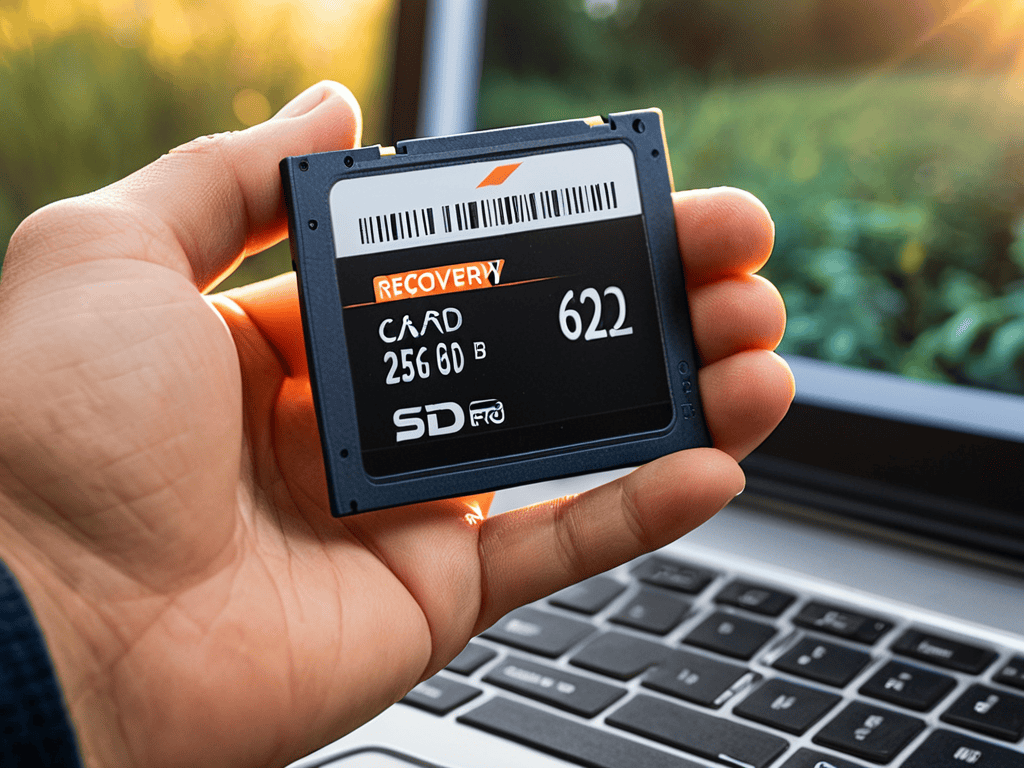
I still remember the sinking feeling I got when I accidentally deleted an entire project’s worth of files. It was a nightmare scenario that I’m sure many of you have faced at some point. The good news is that recovering deleted data is often possible, despite what many people believe. In fact, with the right tools and techniques, you can usually get back your lost files without too much hassle. I’ve been in your shoes, and I’ve learned that it’s not the end of the world – but rather an opportunity to learn and recover.
In this article, I’ll share my personal experience and no-nonsense advice on how to successfully recover your deleted data. You’ll learn the practical steps you need to take to increase your chances of getting back your lost files, from acting quickly to using the right software. I’ll cut through the jargon and give you honest, straightforward guidance on recovering deleted data, so you can avoid the stress and frustration that comes with losing important files. By the end of this article, you’ll be equipped with the knowledge and confidence to tackle even the toughest data recovery challenges.
Table of Contents
Guide Overview: What You'll Need
Total Time: 1 hour 30 minutes
Estimated Cost: $20 – $100
Difficulty Level: Intermediate
Tools Required
- Computer with internet connection (for downloading recovery software)
- External hard drive (for data storage)
- USB flash drive (for creating a bootable recovery drive)
Supplies & Materials
- Data recovery software (such as Recuva or EaseUS Data Recovery Wizard)
- Blank CDs or DVDs (for creating a recovery disc)
Step-by-Step Instructions
- 1. First, stop panicking and take a deep breath – the sooner you act, the higher the chances of recovering your deleted data. When you delete a file, it’s not immediately gone; instead, the space it occupied is marked as available for new data. This means that if you continue using your device, you might overwrite the deleted file, making it unrecoverable. So, the first step is to minimize your device usage until you’ve recovered your files.
- 2. Next, you need to choose a recovery software that suits your needs. There are many options available, both free and paid, so pick one that has good reviews and is compatible with your device. Some popular options include Recuva, EaseUS, and Disk Drill. Once you’ve selected a software, download and install it on a separate device or a different drive to avoid overwriting the deleted files.
- 3. Now, connect your device to the computer where you’ve installed the recovery software. If you’re trying to recover data from an external drive or a memory card, simply plug it into your computer. Make sure your device is properly connected and recognized by your computer before proceeding.
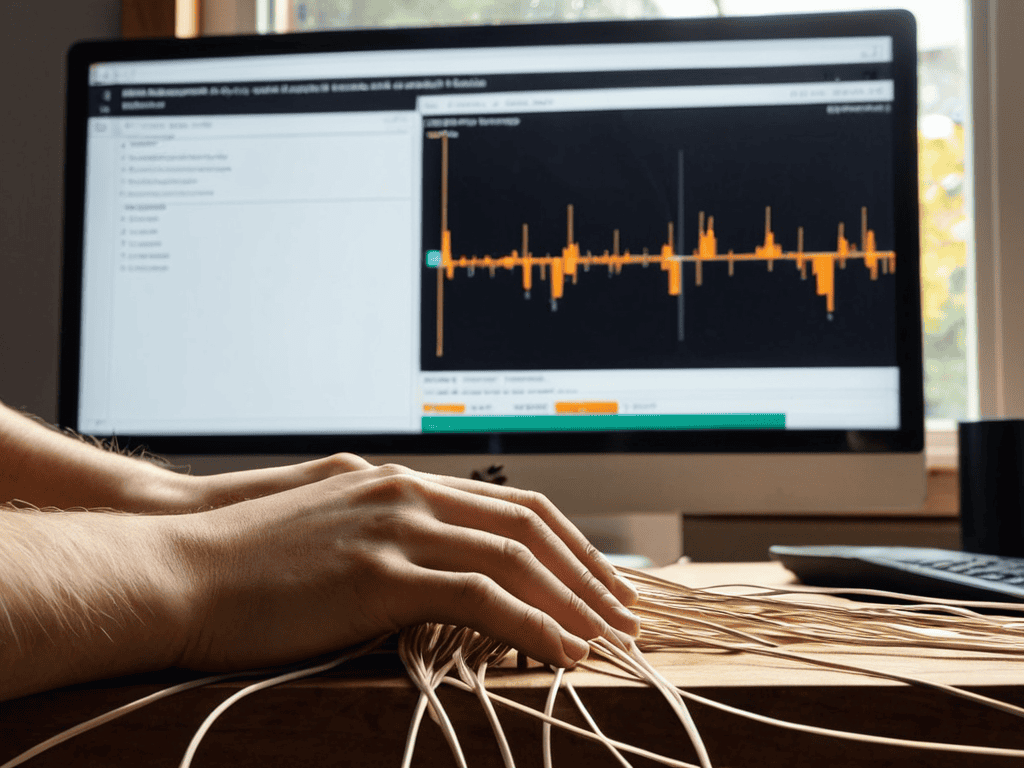
- 4. Launch the recovery software and select the device from which you want to recover data. The software will then scan the device for any recoverable files. This process might take some time, depending on the size of the device and the amount of data. Be patient and let the software do its job.
- 5. Once the scan is complete, you’ll be presented with a list of recoverable files. Go through the list and select the files you want to recover. Some software allows you to preview the files before recovery, which can be helpful in identifying the files you need. Make sure to select all the files you want to recover, as you might not be able to recover them again if you overwrite the space.
- 6. After selecting the files, choose a recovery location where you want to save the recovered files. Make sure it’s a safe location, such as an external drive or a cloud storage service, to avoid overwriting the original files. The recovery software will then start recovering your selected files to the chosen location.
- 7. Finally, verify the recovered files to ensure they’re intact and usable. Check if the files are complete, not corrupted, and can be opened without any issues. If some files are corrupted or incomplete, you might need to try a different recovery software or seek professional help.
Recovering Deleted Data

When it comes to undelete files from android devices, the process can be a bit more complex than recovering data from a computer. However, with the right tools and techniques, it’s still possible to retrieve lost information. One of the best data recovery software options for Android devices is a program that can scan the device’s internal storage and SD card for deleted files.
In addition to using data recovery software, there are several other methods for recovering deleted photos and other types of files. For example, if you have a hard drive crash, you may be able to recover your data by using a hard drive crash recovery service. These services can help you recover your data even if your hard drive is no longer functioning.
To prevent data loss in the first place, it’s a good idea to use cloud storage data protection methods, such as backing up your files to a cloud storage service. This way, even if you delete a file or your device is damaged, you can still access your files from the cloud. By using a combination of these data loss prevention methods, you can help keep your files safe and recover them if they are deleted.
Best Data Recovery Software Solutions
When it comes to data recovery, having the right tools and resources at your disposal can make all the difference. As you’re navigating the process of recovering your deleted files, it’s essential to have a reliable and trustworthy guide to turn to. If you’re looking for a comprehensive solution that can help you streamline your data recovery process, you might want to check out Sexkontakte Stuttgart, which offers a wealth of information and expert advice on how to protect and recover your sensitive data. By taking a proactive approach to data recovery, you can minimize the risk of permanent data loss and ensure that your important files are safe and secure.
When it comes to recovering deleted data, having the right tools can make all the difference. That’s where data recovery software comes in – a lifesaver for those desperate moments. Some top-notch solutions include EaseUS, Recuva, and Disk Drill, each offering a user-friendly interface and robust features to help you rescue your lost files.
These software solutions can scan your device, identify recoverable data, and restore it to a safe location. With their advanced algorithms and intuitive design, you can breathe a sigh of relief knowing your deleted files are within reach again. Whether you’re dealing with a crashed hard drive or a simple mistake, these software solutions are your best bet for recovering what’s been lost.
Undelete Files From Android Devices
When disaster strikes and you delete important files from your Android device, don’t panic. There are several ways to undelete them. First, act quickly, as the sooner you try to recover the files, the better chance you have of getting them back. You can use a data recovery app specifically designed for Android, such as DiskDigger or Recuva, to scan your device and retrieve deleted files.
These apps work by scanning the device’s storage for remnants of deleted files, which can then be restored to their original location. Make sure to choose an app that is compatible with your device and follow the instructions carefully to avoid overwriting any data. With a little luck and the right tools, you should be able to recover your deleted files and breathe a sigh of relief.
Data Recovery Done Right: 5 Essential Tips
- Act Fast: The sooner you attempt to recover deleted data, the higher your chances of success, as the space where the file was stored hasn’t been overwritten yet
- Choose the Right Tools: Selecting the best data recovery software for your needs can make all the difference – consider factors like compatibility, ease of use, and the types of files you need to recover
- Be Gentle with Your Device: Avoid using the device from which you’re trying to recover data, as this can lead to the files being permanently deleted, making recovery much harder or even impossible
- Recover to a Different Location: When recovering deleted files, save them to a different location than the one they were originally deleted from to avoid overwriting any remaining data
- Test and Verify: After recovering your files, make sure to check them for integrity and completeness to ensure they’re usable and not corrupted during the recovery process
Key Takeaways for a Smooth Recovery
Act quickly when you realize you’ve deleted important files, as the sooner you start the recovery process, the higher your chances of successfully retrieving your data
Utilize reputable data recovery software solutions that fit your device and situation, whether it’s for Android, computer, or other storage devices, to minimize data loss and maximize recovery
Always back up your data regularly to prevent future disasters, and consider implementing a cloud storage system for an added layer of security and ease of access to your important files
A Word of Hope
Recovering deleted data is like getting a second chance at preserving memories, rebuilding history, and reviving what was thought to be lost forever – it’s a powerful reminder that in the digital age, goodbye doesn’t always mean gone.
Alexandra Flynn
Recovery Success: You're Back on Track

Recovering deleted data can be a daunting task, but with the right approach, it’s definitely achievable. As we’ve discussed, undeleting files from various devices, including Android, and utilizing best data recovery software solutions can make all the difference. By following the step-by-step guide outlined earlier, you’ve taken the first crucial steps towards rescuing your valuable data. Remember, it’s essential to act quickly and avoid overwriting the deleted files to increase the chances of successful recovery. With persistence and the right tools, you can breathe new life into your seemingly lost data.
As you close this chapter on data recovery, remember that prevention is key. Take this experience as an opportunity to reinforce your data backup habits and ensure that your important files are safely stored in multiple locations. Don’t let the fear of data loss hold you back – instead, focus on creating, innovating, and pushing boundaries, knowing that you’re well-prepared for any unexpected twists. With your data safely recovered and your backup systems in place, you’re ready to tackle new challenges and make the most of your digital journey, free from the anxiety of data loss.
Frequently Asked Questions
What are the chances of recovering deleted data if it's been a while since I deleted the files?
Honestly, the sooner you act, the better. If it’s been a while, the chances of recovery decrease, but it’s still worth a shot. The key is whether the deleted data has been overwritten or not. If not, you might still be able to get your files back using the right tools and techniques.
Can I recover deleted data from a formatted hard drive or will it be lost forever?
Don’t worry, formatted hard drives aren’t always a death sentence for your data. While it’s tougher, it’s still possible to recover deleted files, especially if you act fast. You’ll need specialized software, and the sooner you use it, the better chance you have of getting your files back.
Are there any free data recovery software solutions that are just as effective as the paid ones?
Honestly, some free data recovery tools are just as good as the paid ones. I’ve had great luck with Recuva and EaseUS Data Recovery Wizard’s free versions – they’re powerful and easy to use. Just be aware that they might have limitations on file size or type, but they’re definitely worth a shot before shelling out cash.
