Did you know 61% of employees feel more productive with AI in their work? This shows a big change in how we create, thanks to AI design tools. We’re seeing a huge shift in how we bring ideas to life.
Experts say 57% of business leaders think AI will change their companies a lot in the next three years. It’s an exciting time to see what these tools can do.
Today’s AI tools aim to make our design work better. They turn boring tasks into smart, quick actions. In this article, I’ll show how these tools are changing our creative work.
Key Takeaways
- AI design tools make us more productive, with 61% of employees feeling more efficient.
- More than 85% of professionals using AI say they spend less time on simple tasks.
- AI helps make our work more creative, with 31% of people saying it helps.
- Companies think AI will make big changes soon.
- AI makes design tools easier for everyone to use, not just experts.
Understanding the Impact of AI Design Tools on Creativity
AI design tools have changed the game for many professionals. They make our work easier by handling routine tasks. This lets us dive deeper into the creative side of things.
Thanks to AI, we’re more productive and have time to try new things. It’s a win-win for our creativity and efficiency.
Enhancing Creative Workflow
AI tools make our workflow better. They automate up to 50% of design tasks, saving us up to 75% of time. Tasks like image editing and background removal take minutes, not hours.
This means we have more time for brainstorming and exploring. We can come up with more original ideas.
Breaking Down Creative Blocks
Every designer faces creative blocks. AI tools help by giving us new ideas and color palettes. They inspire us to think differently.
Using these tools, we can overcome blocks and find fresh ideas. It’s a great way to get our creative juices flowing again.
Facilitating Creative Experimentation
Experimentation is key to creativity. AI design tools let us try new things without fear. They help us explore different design choices and test them easily.
This encourages us to be more innovative. It gives us the confidence to take risks and try new things.
Popular AI Design Tools That Boost Efficiency
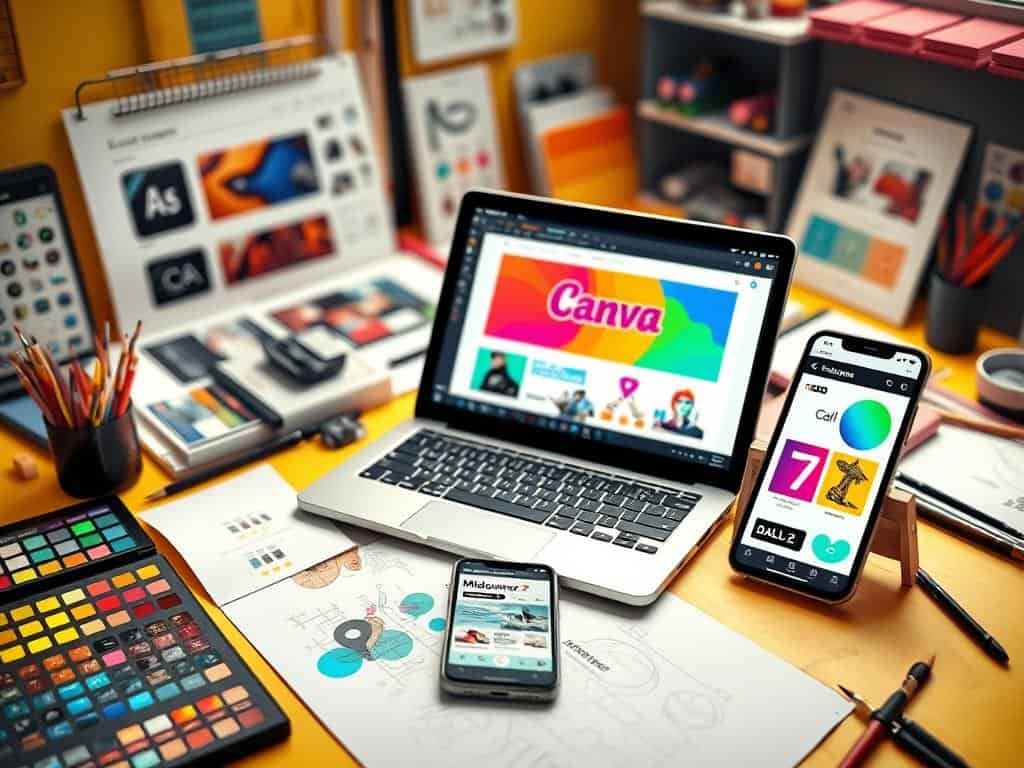
Graphic design has seen a big change with AI tools. Many tools are now available, each with special features to help with creativity. Adobe Express, Canva, MidJourney, and DALL-E 2 are leaders in making design work more efficient.
Adobe Express: An All-in-One Solution
Adobe Express is a complete tool set for making great graphics easily. It uses Adobe Firefly to help both new and experienced designers. Its design process is streamlined, allowing for fast work completion.
Canva: User-Friendly Design Software
Canva is great for beginners and pros alike. It has lots of templates and AI tools like Magic Design. This makes creating and editing images quick and easy, freeing up time for creativity.
MidJourney and DALL-E 2: AI Art Generators
MidJourney and DALL-E 2 change how we make images. They turn text into amazing pictures, opening up new creative possibilities. These tools save time by automating the creation of art, improving the design process.
Conclusion
Using AI design tools changes the game, making creativity and work more efficient. Designers used to spend over eight hours on one project. Now, AI helps cut this time down to just minutes.
This change makes work faster and opens up new creative paths. It’s a big win for anyone in design.
Tools like Canva and Figma use data to suggest the best designs. They help create unique looks for brands. While it takes some getting used to, the benefits are huge.
These tools make work easier and help bring new ideas to life. Using them wisely lets me keep my creative spark while using technology’s power.
The future of design is all about AI innovation. With these tools, I can explore new possibilities and break new ground. I’m excited to see how these changes will keep making design better.
